
PFD vs P&ID vs Block Flow Diagram: Which Drawing a Quote Needs
What a block flow diagram, a PFD and a P&ID each show and leave out, when each exists, and which one a supplier needs to price equipment at each estimate stage.
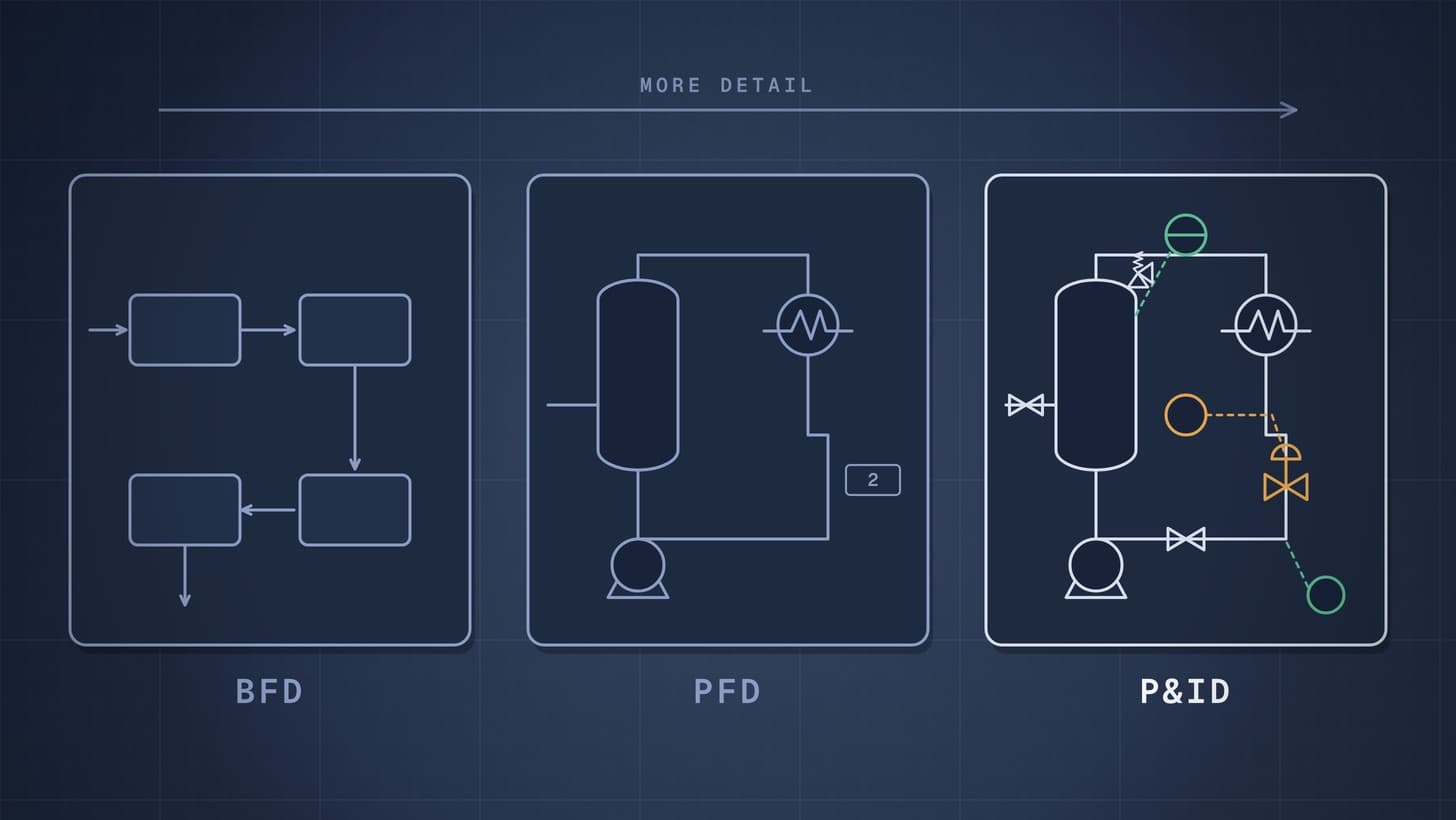
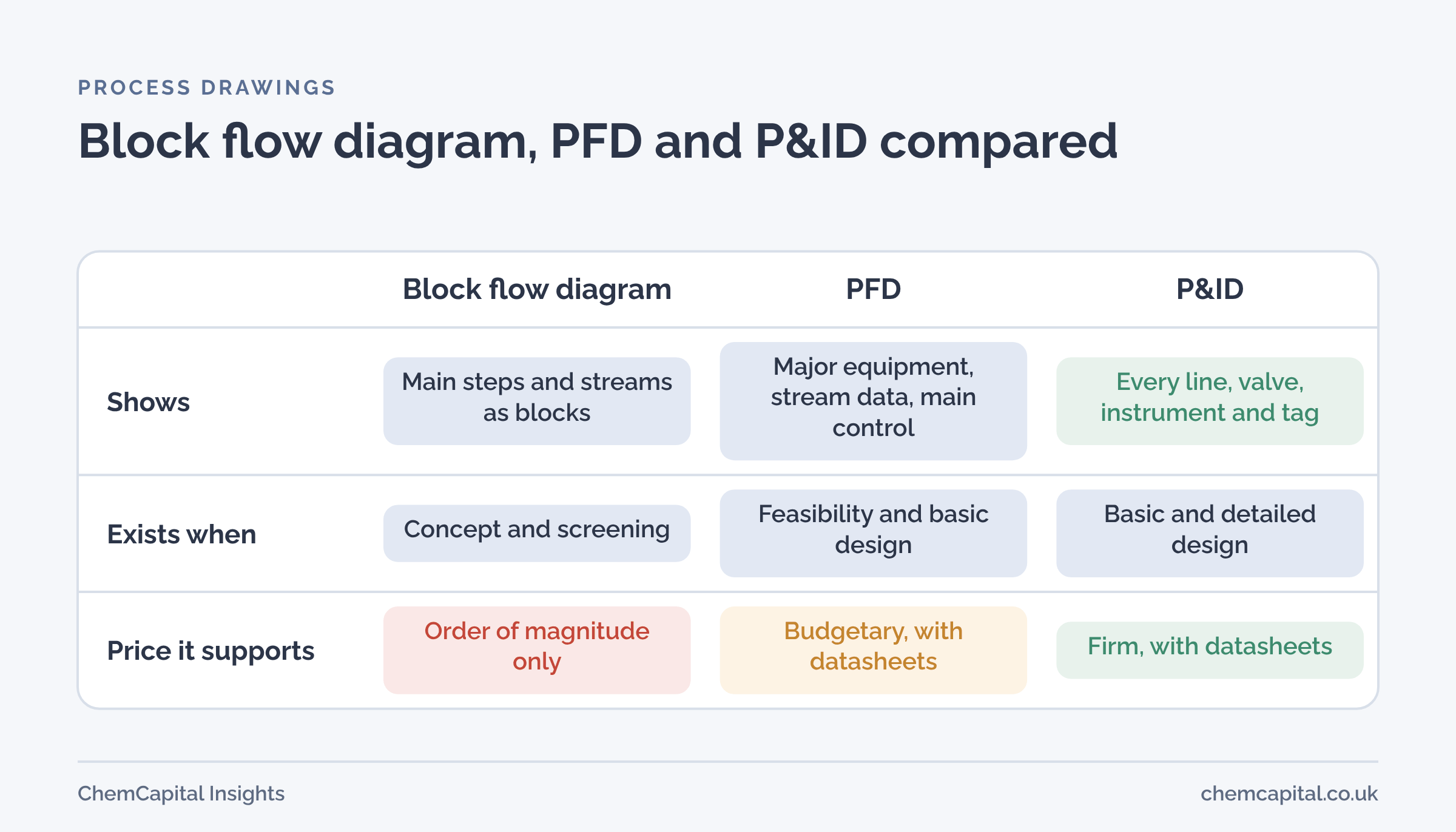
A block flow diagram shows a process as a few blocks for the main steps, joined by the main streams. A process flow diagram (PFD) shows the major equipment, the main streams with their flows, temperatures and pressures from the heat and material balance, and the main control loops. A P&ID (piping and instrumentation diagram) shows every pipe line, valve, instrument and connection, with line sizes, specifications and tags. For pricing, a supplier can give an order of magnitude figure from a block diagram, a budgetary price from a PFD plus a datasheet, and a firm price only when it sees the P&ID detail for its scope.
All three are covered by ISO 10628 Part 1, which sets out the classification, content and representation of flow diagrams for the chemical and petrochemical industry [1].
Why this matters now
The three drawings are converging into one data model. DEXPI 2.0, the open standard for exchanging process engineering data, added block flow diagrams and PFDs to the P&ID model in late 2025 [2], with the aim of handing information from simulation to PFD and from PFD to P&ID without retyping [3]. In the US, Process Industry Practices also published a PFD guideline, PIE001, alongside its long standing P&ID practice [4]. Buyers who know which drawing carries which information will be better placed to use the data as it arrives.
Join ChemCapital to streamline sourcing and connect with verified partners
Whether you're buying or supplying, ChemCapital gives you the tools to manage the complete procurement cycle in one platform.
What each drawing shows, and what it leaves out
| Block flow diagram | PFD | P&ID | |
|---|---|---|---|
| Purpose | Explain the process concept | Define the process and its balance | Define the plant for design and construction |
| Equipment | Blocks, not items | Major equipment with tags | All equipment, including spares and small items |
| Streams | Main streams only | Main streams with flow, temperature, pressure | Every line, with size, number and piping class |
| Instruments | None | Main control loops only | All instruments, interlocks and alarms |
| Valves | None | Main control valves | All valves, including vents and drains |
| Owner | Process engineer | Process engineer | Process, piping and instrument engineers |
PIP's PFD guideline requires a heat and material balance, on the drawing or in a separate document, and expects PFDs to give an overview of the control philosophy, so only major instruments appear [4]. The P&ID practice, by contrast, sets out detailed information for nine classes of equipment [4]. Our guide on how to read a P&ID explains its symbols.
Which drawing a quote needs, by estimate stage
AACE International's classification links each class of estimate to how much of the project is defined and to typical methods, from cost and capacity curves at Class 5 to detailed unit costs at Class 1 [5]. Engineering courses note that a PFD with its equipment summary is enough for a preliminary investment estimate [6]. In practice, the drawings line up with the classes like this:
| Estimate class | Drawing available | What a supplier can give | What to send with it |
|---|---|---|---|
| 5, screening | Block flow diagram | Order of magnitude, often from experience | Capacity, main conditions |
| 4, feasibility | PFD with heat and material balance | Budgetary price | Equipment list and preliminary datasheets |
| 3, budget authorisation | P&IDs issued for design | Budgetary or firm price for major items | Datasheets, specifications, skid P&IDs |
| 2 and 1, control and award | P&IDs approved for construction | Firm price | Full RFQ package, document list |
The mapping is a practical guide, not an AACE rule; what matters is that the supplier sees everything that drives its cost. For more on the classes themselves, see what AACE project costing is.
What to send, whichever drawing you have
- Datasheets for the equipment being priced, with the buyer's side complete.
- The equipment list, so the supplier sees where its item sits.
- Battery limits: where the supplier's scope starts and stops, especially for skids.
- The P&ID of the supplier's scope, even at an early revision, for any skid or package. Valves and instruments inside a skid can be a large part of its price.
- Specifications for materials, electrical work and documents.
Two mistakes are common. The first is sending a PFD and expecting a firm price, then treating the later increase as a supplier problem. The second is the reverse: sending a full P&ID set of 40 sheets when the supplier needs two, which slows the bid and hides the scope. Send the sheets that show the supplier's scope, mark its battery limits on them, and say which revision they are.
Practical example
In this illustrative example, a skid supplier is asked for a budget price for a solvent dosing skid from a PFD and a short datasheet. It quotes £180,000.
Three months later the P&IDs arrive. Inside the skid boundary they show 14 instruments, 22 manual valves and 2 control valves that the PFD did not. The firm quote adds:
| Item | Added cost |
|---|---|
| 14 instruments at about £1,500 each | £21,000 |
| 22 manual valves at about £600 each | £13,200 |
| 2 control valves at about £6,500 each | £13,000 |
| Extra engineering and documents | £4,800 |
| Total added | £52,000 |
The firm price is £232,000, 29% above the budget. Nothing went wrong with the supplier's pricing; the budget was set from a drawing that could not show the detail. Sending even a preliminary P&ID of the skid scope with the budget request would have narrowed the gap.
Where ChemCapital fits
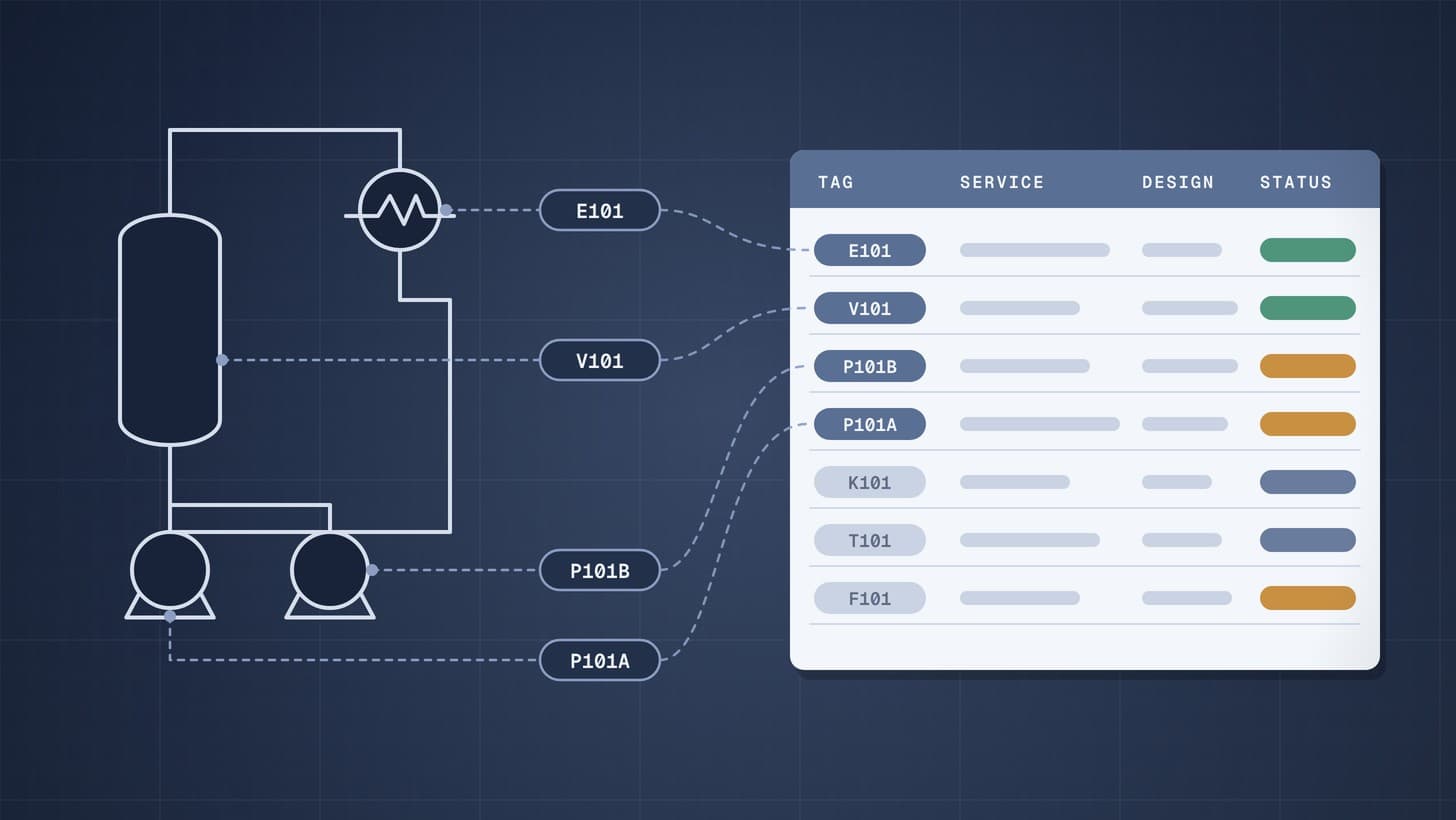
ChemCapital's P&ID to RFQ works from the most detailed drawing you have. It imports DEXPI files, reading equipment, instruments, valves, nozzles and pipe segments where the file follows supported structures, and also takes P&ID PDFs and scans for extraction, with confidence scores and human review. Extracted items are grouped into packages and turned into RFQs, so suppliers see the detail that drives their price. For the data format behind it, see DEXPI explained.
Ready to send suppliers the drawing detail their price depends on? Start free with ChemCapital.
Frequently asked questions
What is the difference between a PFD and a P&ID?
A PFD shows the main equipment, the main process streams with their flows and conditions, and the main control loops. A P&ID shows every pipe line, valve, instrument and connection, with line sizes, specifications and tag numbers, and is the basis for detailed design and construction.
What is a block flow diagram?
A block flow diagram shows a process as a few rectangles for the main steps, joined by arrows for the main streams. It is used early, for concepts and feasibility, and carries little or no equipment detail.
Can a supplier quote from a PFD?
A supplier can give a budgetary price from a PFD with a datasheet for its equipment. A firm price for a skid or package usually needs the P&ID of its scope, because valves, instruments and connections drive cost.
Continue reading
Informational only, not procurement or legal advice. Cited names, frameworks, and statistics belong to their respective owners.
Join ChemCapital to streamline sourcing and connect with verified partners
Whether you're buying or supplying, ChemCapital gives you the tools to manage the complete procurement cycle in one platform.
Get started freeRelated articles
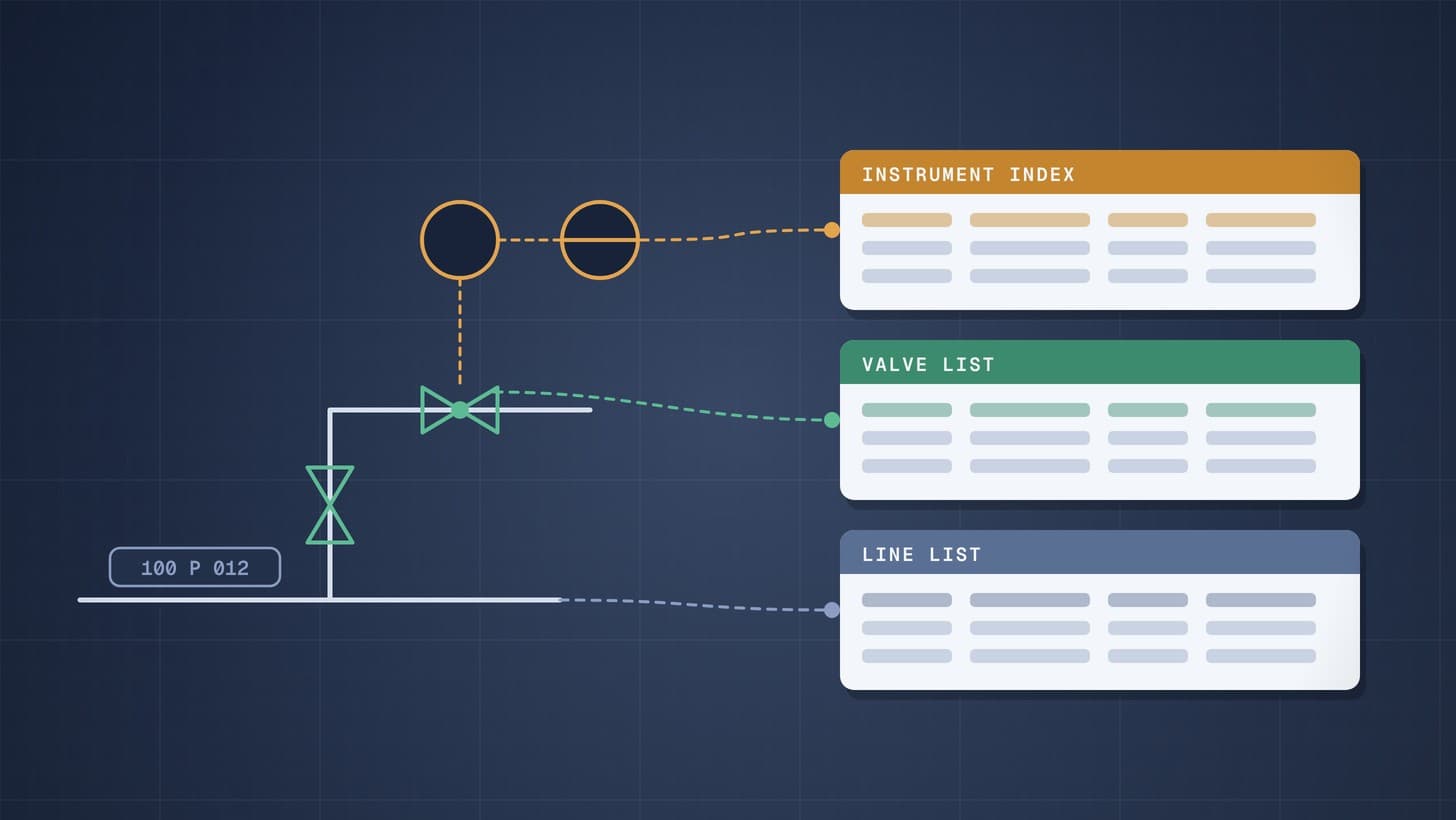
Line List, Valve List and Instrument Index Explained
The three engineering lists that sit beside every P&ID: what each contains, who owns it, how it is built, and how procurement turns it into purchase packages.
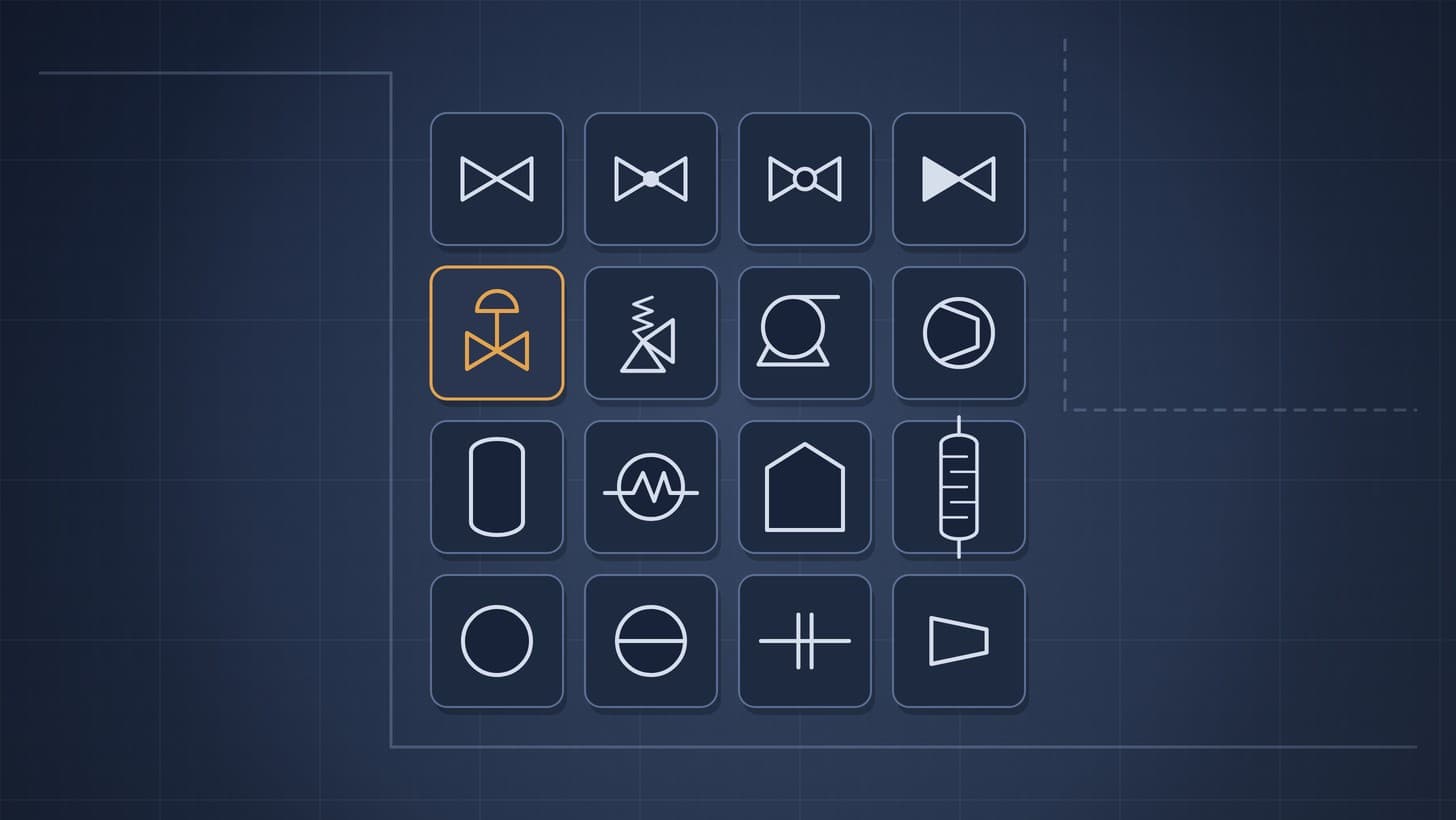
P&ID Symbols: Valves, Pumps, Vessels and Instruments
A plain reference to common P&ID symbols for lines, valves, pumps, vessels, heat exchangers and instruments, and what each tells a buyer about what must be quoted.
Process Equipment List: What to Include, with a Free Template
What a process equipment list is, the columns procurement actually needs, how to keep it under revision control, and how it turns into RFQ packages.