
ISA 5.1 Instrument Tag Numbers Decoded
PIC 101, FT 201, LSHH 410: every instrument tag follows the same ISA 5.1 grammar. Here is how to decode it, with a table, and how to tell which tags become purchase lines.
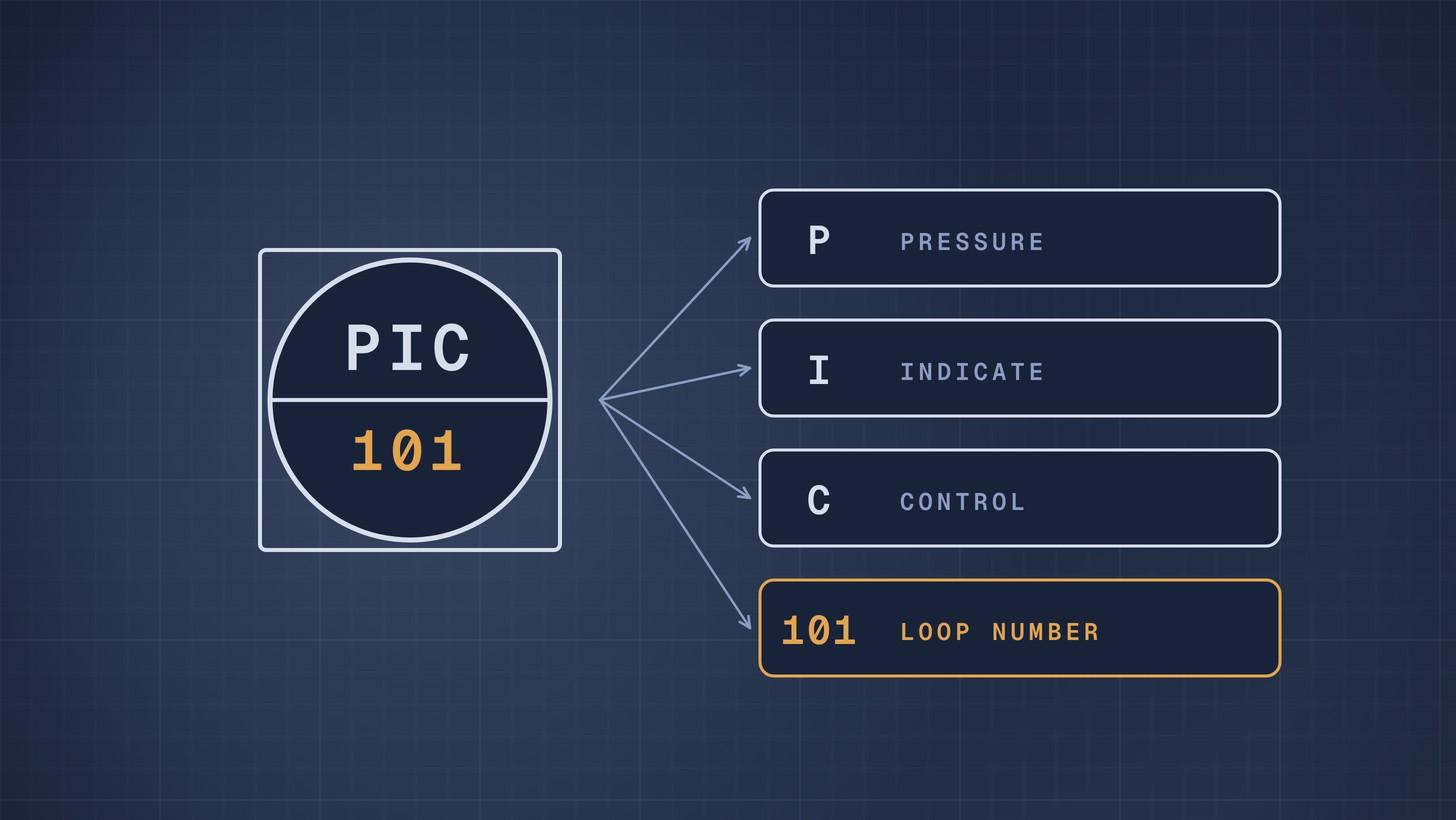
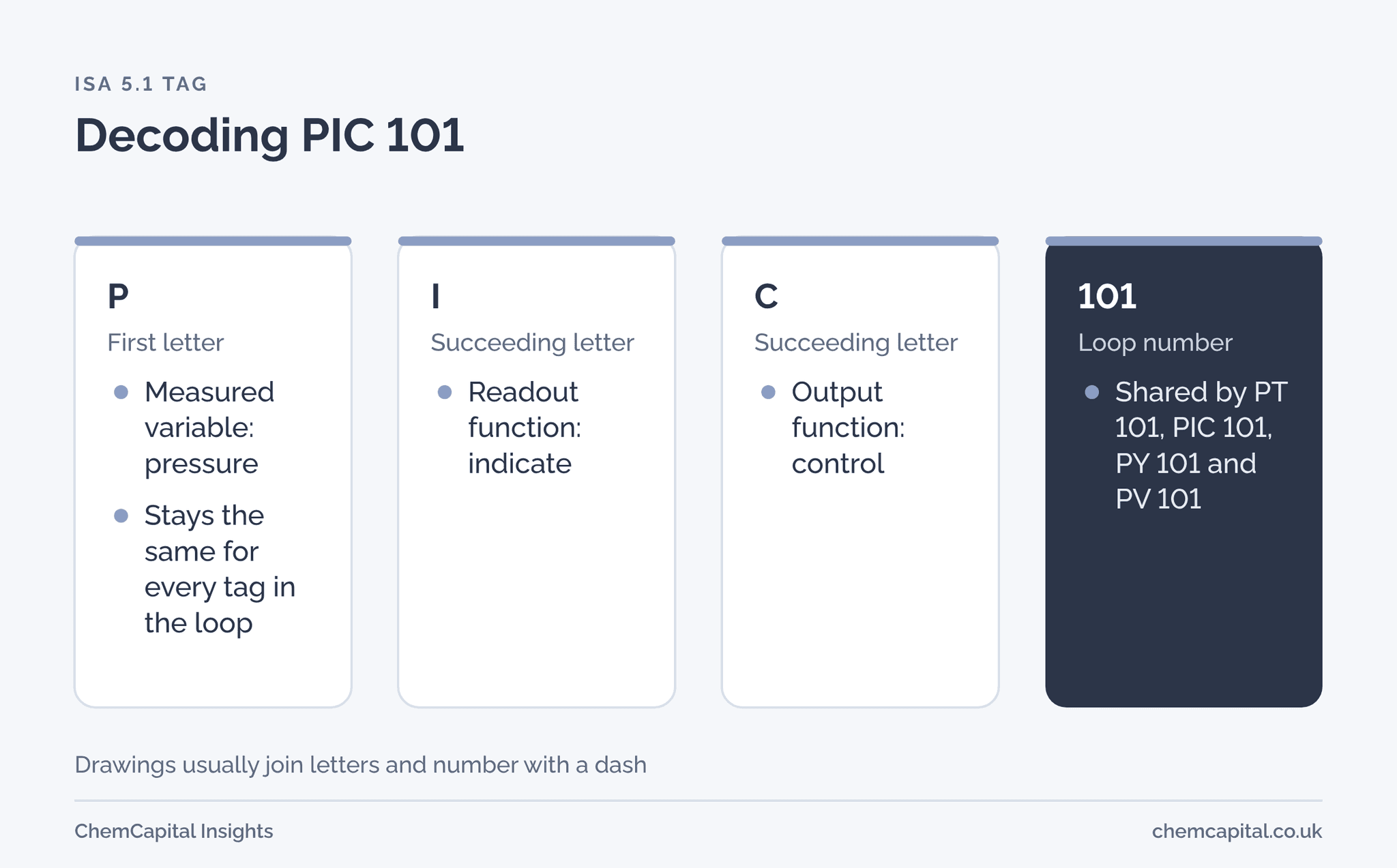
An ISA 5.1 instrument tag has three parts: a first letter for what is measured, one or more succeeding letters for what the instrument does, and a loop number shared by every instrument in the same loop. So PIC 101 is a pressure indicating controller in loop 101, FT 201 is a flow transmitter in loop 201, and LSHH 410 is a level switch, high high, in loop 410.
This guide gives the letter tables, the rules that trip people up, and a worked loop showing which tags become purchase lines and which do not. Drawings usually join the letters and number with a dash; we leave it out here.
Why this matters now
ISA published a revised edition of the standard in October 2024, now titled Instrumentation and Control Symbols and Identification. It reorganised the document, tidied definitions, added symbols, and moved the example annexes into two technical reports, ISA TR5.1.02 on identification and TR5.1.03 on graphic symbols [1] [2]. The tag grammar buyers rely on is unchanged in principle, but if your project specification cites an older edition, ask which one governs.
For procurement the tag is the key that links the P&ID, the instrument index, the datasheet and the purchase order line. Misread it and you buy a switch where a transmitter was needed, or miss an item altogether.
Create and manage RFQs in minutes
ChemCapital handles the entire procurement cycle, from structured RFQs and supplier comparisons to formal purchase orders and delivery tracking.
The first letter: what is measured
The first letter names the measured or initiating variable. A second letter can modify it [3].
| Letter | As first letter | As a modifier after the first letter |
|---|---|---|
| A | Analysis | |
| D | User defined | Differential |
| E | Voltage | |
| F | Flow rate | Ratio |
| K | Time or schedule | Rate of change |
| L | Level | |
| P | Pressure or vacuum | |
| Q | Quantity | Integrate or totalise |
| S | Speed or frequency | Safety |
| T | Temperature | |
| V | Vibration | |
| W | Weight or force | |
| Y | Event, state or presence | |
| Z | Position or dimension |
So PT measures pressure at one point while PDT measures a pressure difference, and FQ is a flow totaliser [4] [3]. Letters such as C and D are left to the user to define as first letters, but ISA 5.1 does not let you redefine the assigned ones such as F, L, P or T [5].
Succeeding letters: what the instrument does
| Letter | Meaning | Type |
|---|---|---|
| A | Alarm | Readout |
| E | Primary sensing element | Readout |
| G | Glass, viewing device | Readout |
| I | Indicate | Readout |
| L | Light | Readout |
| R | Record | Readout |
| C | Control | Output |
| S | Switch | Output |
| T | Transmit | Output |
| V | Valve, damper or louver | Output |
| Y | Relay, compute or convert | Output |
| Z | Driver or actuator | Output |
| H, L | High, low | Modifier |
Sources: [3] [4]. W, weight or force, is also an assigned first letter [4]. Readout letters normally come before output letters, so a temperature recording controller is TRC, not TCR [4]. H and L modify alarms and switches: LSH is level switch high, LSL level switch low, and LSHH high high [5] [4].
Loop numbers and the rules that trip people up
The first letter follows the loop, not the device. Every instrument in a loop shares the loop number and the loop's first letter, because the loop is defined by its process variable [4]. In a flow loop, the transmitter is FT 101, the controller FIC 101, the I/P converter FY 101 and the control valve FV 101 [5]. That is why a valve can be tagged TV: it is the valve in a temperature loop.
Self actuated valves are different. CV as succeeding letters is reserved for a self actuated control valve, and self actuated safety devices use forms such as PSV [5]. Our article on safety valves, relief valves and bursting discs explains those devices.
Prefixes and suffixes. Many plants add an area prefix, such as 12 FC 135, and a suffix letter where a loop has two of the same instrument, such as FT 135A and FT 135B [4]. Your project's instrument philosophy sets the exact format.
The bubble tells you where it lives. A plain circle is a discrete hardware instrument; a circle inside a square is a shared display or control function, typically in the DCS. A solid bar in the bubble means it is accessible to the operator in the control room; no bar means in the field [5]. Our guide to P&ID symbols shows the shapes.
More tags, decoded
Once the grammar is clear, most tags read themselves:
- PDT 120. Pressure, differential, transmit: a differential pressure transmitter, often across a filter or an orifice plate.
- PDI 120. The same measurement with a local or control room indication rather than a transmitted signal.
- FQI 220. Flow, totalise, indicate: a flow totaliser showing the quantity passed, for example on a batch charge line.
- LAL 410. Level alarm low. Often a function in the control system rather than a separate device.
- TSHH 305. Temperature switch high high: a trip, frequently part of a safety function.
- AIT 501. Analysis indicating transmitter, for example a pH or conductivity analyser with a local display.
- HS 601. Hand switch: H is the first letter for hand, meaning a manually operated device [4].
- ZT 702. Position transmitter, for example reporting a valve's opening.
Practical example: which tags do you buy?
Illustrative loop. A jacketed reactor's temperature loop 305 on the P&ID shows five tags.
| Tag | Decoded | Bubble | Purchase line? |
|---|---|---|---|
| TE 305 | Temperature element, for example an RTD in a thermowell | Field, discrete | Yes, instrument package |
| TT 305 | Temperature transmitter | Field, discrete | Yes, instrument package |
| TIC 305 | Temperature indicating controller | Control room, shared display | No, configured in the DCS |
| TY 305 | Temperature converter, current to pneumatic | Field, discrete | Yes, often bought with the valve |
| TV 305 | Control valve in the temperature loop | Field | Yes, control valve package |
Five tags, four purchased items, in two or three different packages. A buyer counting tags would over order by one; a buyer reading the bubbles and letters gets it right. Each purchased item then needs its own datasheet; see our instrument datasheet template.
Common misreadings
- Reading the first letter as the device. TV is a valve, not a temperature instrument. The first letter tells you the loop, the last letters the device.
- Treating every alarm as hardware. Most alarms today are set points in the control system. Only buy a switch where the tag ends in S.
- Ignoring the modifier. PT and PDT are different instruments with different prices and installations. So are FI and FQI.
- Assuming the numbers mean plant areas. Some projects encode the area in the loop number and others in a prefix. The instrument philosophy document tells you which.
- Missing the H and L. LSH and LSL on the same vessel are two switches, often two purchase lines, not one.
Using tags to build instrument RFQs
The instrument index lists every tag. Before it becomes RFQ lines, sort it the way suppliers sell:
- Group by device type, not by loop. All pressure and differential pressure transmitters go to one package, temperature elements and transmitters to another, control valves to a third.
- Drop software only tags. Controllers, alarms and computed functions shown as shared display bubbles are configured in the control system, not bought.
- Check suffixes. FT 135A and FT 135B are two physical items; make sure both reach the RFQ.
- Match each line to a datasheet. One tag, one datasheet, one line. A tag with no datasheet is a question for engineering before the RFQ goes out.
- Reconcile the counts. Compare the number of purchased items against the P&ID before issue. A missing tag found at FAT costs far more than one found at RFQ.
If a project uses its own tag convention rather than ISA 5.1, ask for the legend sheet and read every tag against it. The grammar will usually be similar, but one changed letter can change the device.
Where ChemCapital fits
Tag lists come from P&IDs, and retyping them is where errors creep in. ChemCapital's P&ID to RFQ works from DEXPI P&IDs to pull tags into structured RFQ lines, grouped by package, so instruments, valves and their tags reach suppliers exactly as drawn.
Ready to turn instrument tags into clean RFQ lines? Start a free 14 day ChemCapital trial, with no credit card needed.
Frequently asked questions
What does PIC mean on a P&ID?
Pressure indicating controller. P is the measured variable, pressure; I means it indicates the value; C means it controls. The number after it is the loop number.
What does FT stand for in instrumentation?
Flow transmitter: F for flow rate and T for transmit. FT 201 is the flow transmitter in loop 201.
What does LSHH mean?
Level switch high high: L for level, S for switch, and HH for the high high setting, usually a trip above the normal high alarm.
Why is a control valve tagged TV or FV?
Every instrument in a loop takes the loop's first letter. A valve in a temperature loop is TV and in a flow loop FV, even though the device itself is a valve.
What changed in ISA 5.1 2024?
The title became Instrumentation and Control Symbols and Identification, the document was reorganised, definitions were tidied, symbols were added, and the example annexes moved into technical reports TR5.1.02 and TR5.1.03.
Continue reading
Informational only, not procurement or legal advice. Cited names, frameworks, and statistics belong to their respective owners.
Create and manage RFQs in minutes
ChemCapital handles the entire procurement cycle, from structured RFQs and supplier comparisons to formal purchase orders and delivery tracking.
Start for freeRelated articles
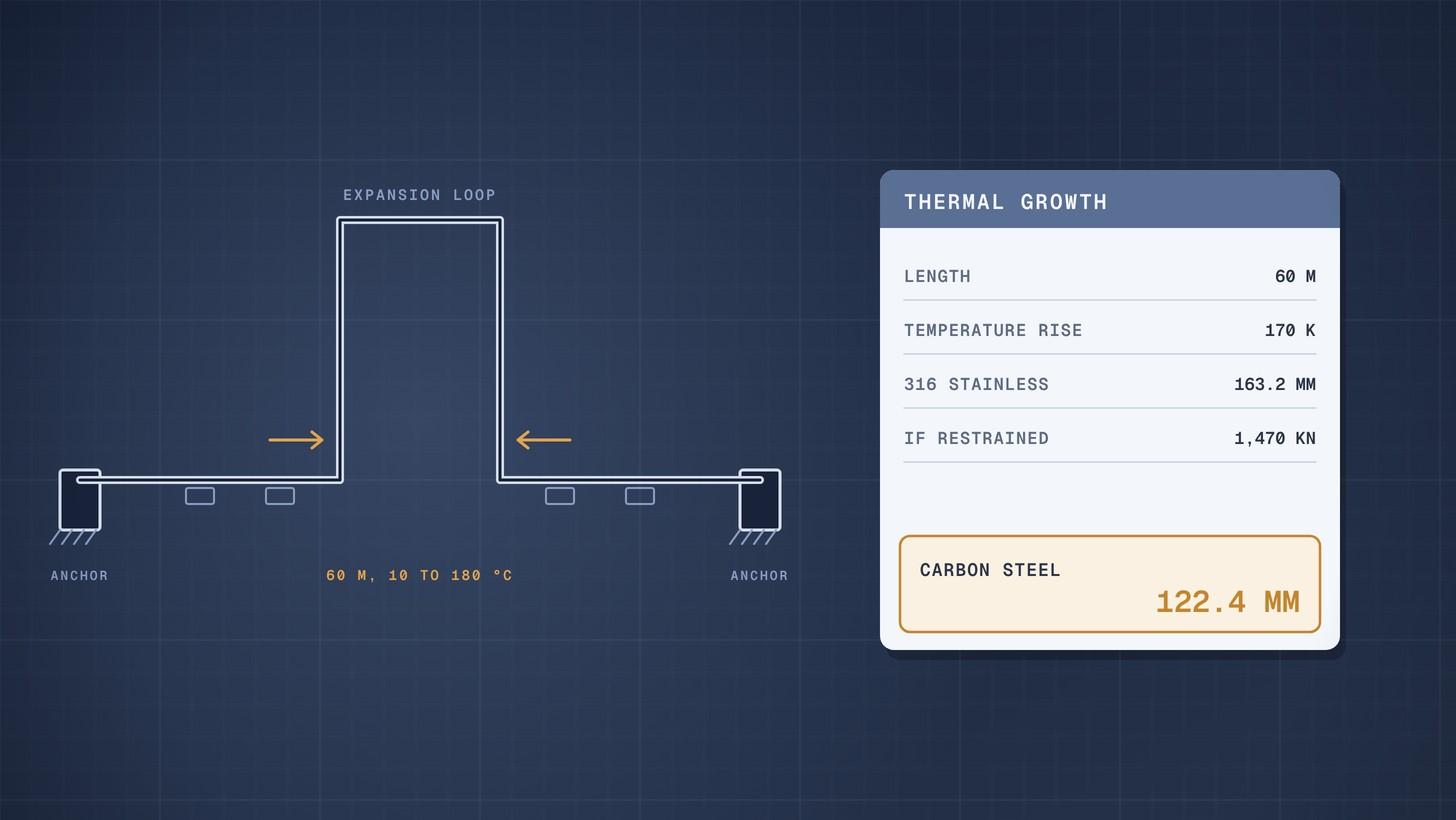
Pipe Thermal Expansion: Worked Example
How to calculate pipe thermal expansion for carbon and stainless steel, what restrained expansion does, and how loops and expansion joints absorb it.
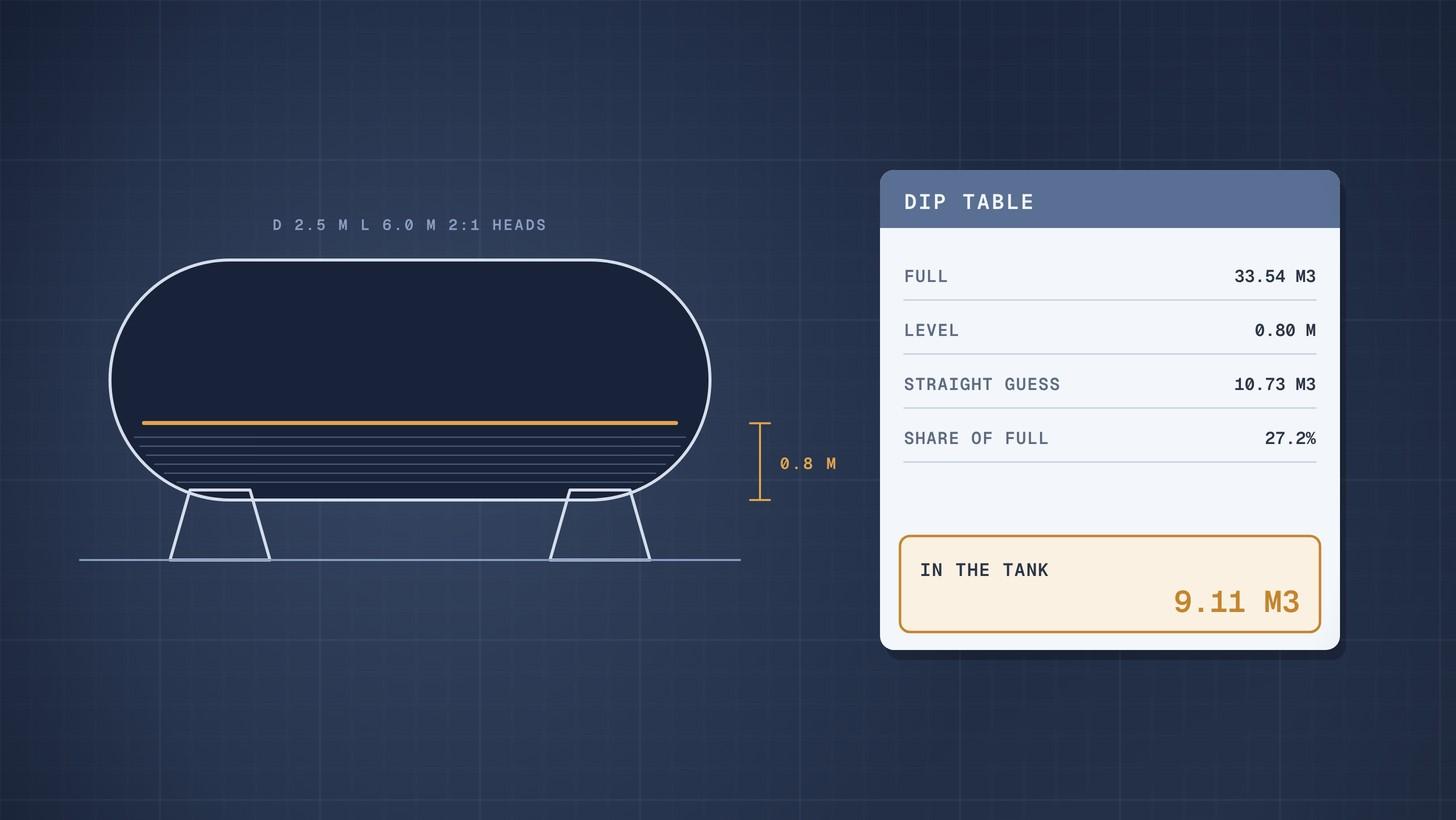
Horizontal Tank Volume When Partly Filled: Worked Example
How to calculate the volume of a partly filled horizontal tank with dished heads, with a worked example and a full dip table you can rebuild in a spreadsheet.
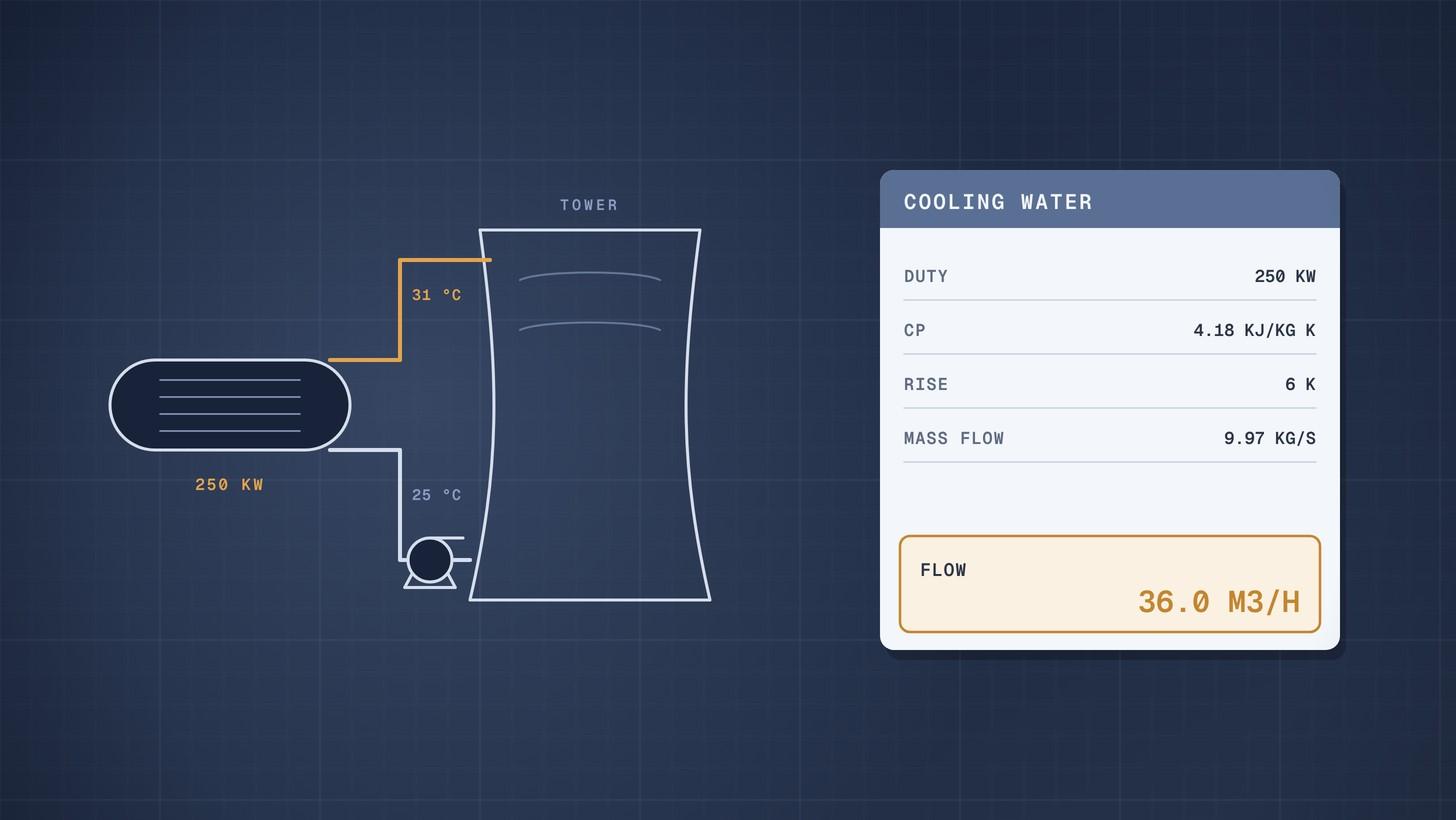
Cooling Water Flow Calculation: Worked Example
How to calculate cooling water flow from heat duty and temperature rise, then size the cooling tower circulation, evaporation and make up water.